M5-Dial Battery Adapter Fitting Instructions
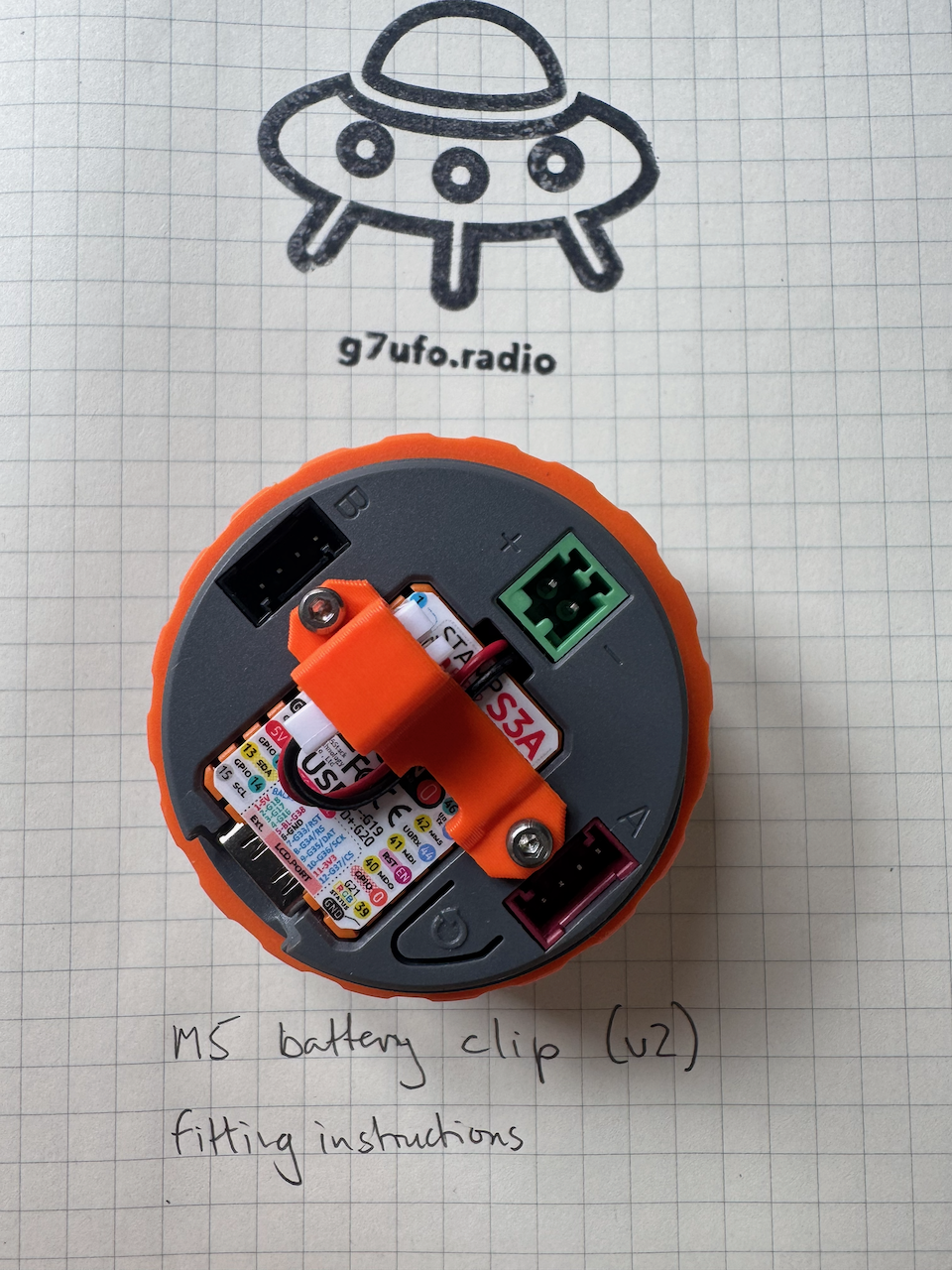
Remove the two screws from the back panel of M5 Dial
The orange clip can be stored safely as it will be replaced buy the battery adapter shortly.
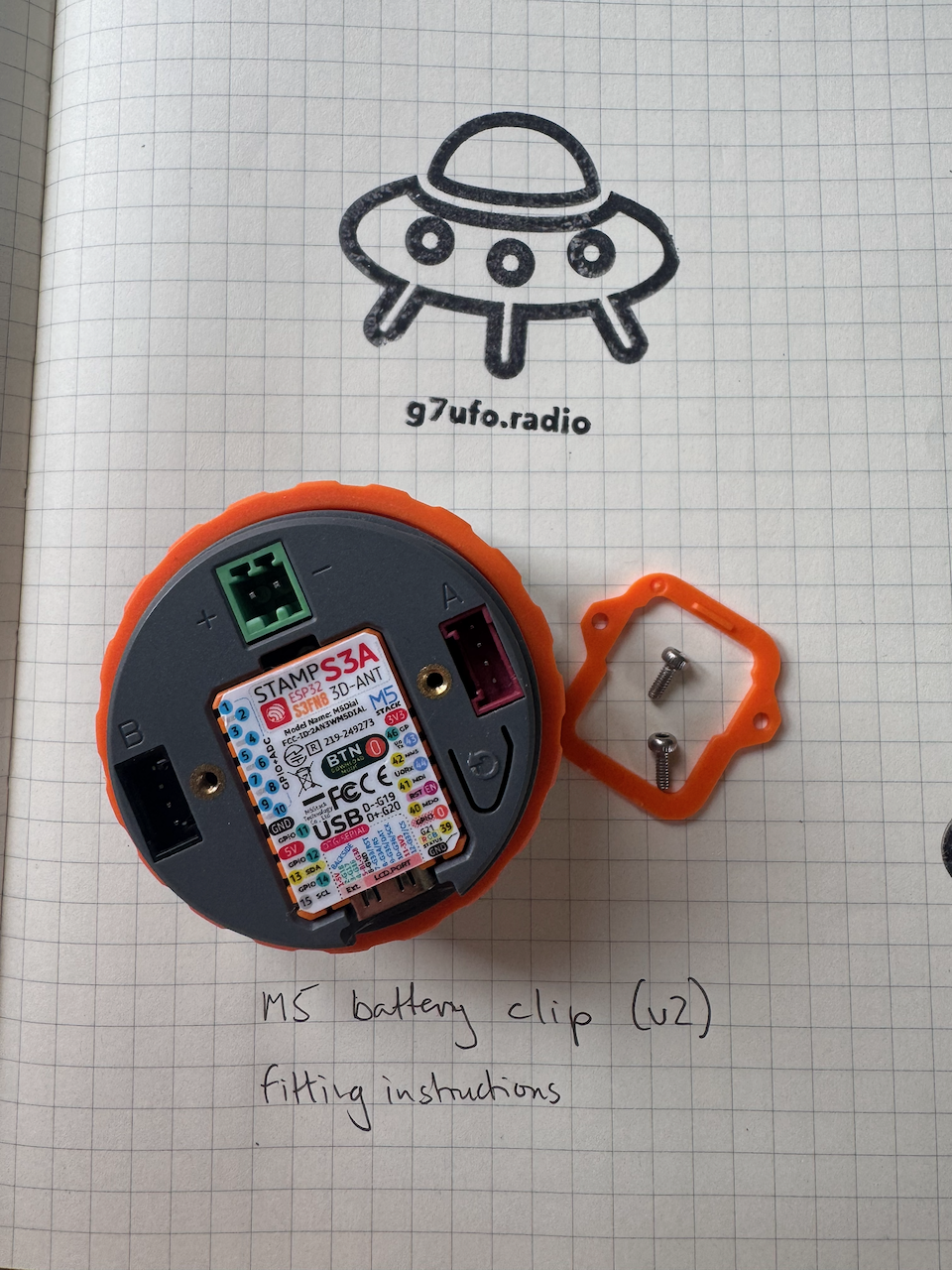
Remove the STAMP S3A board
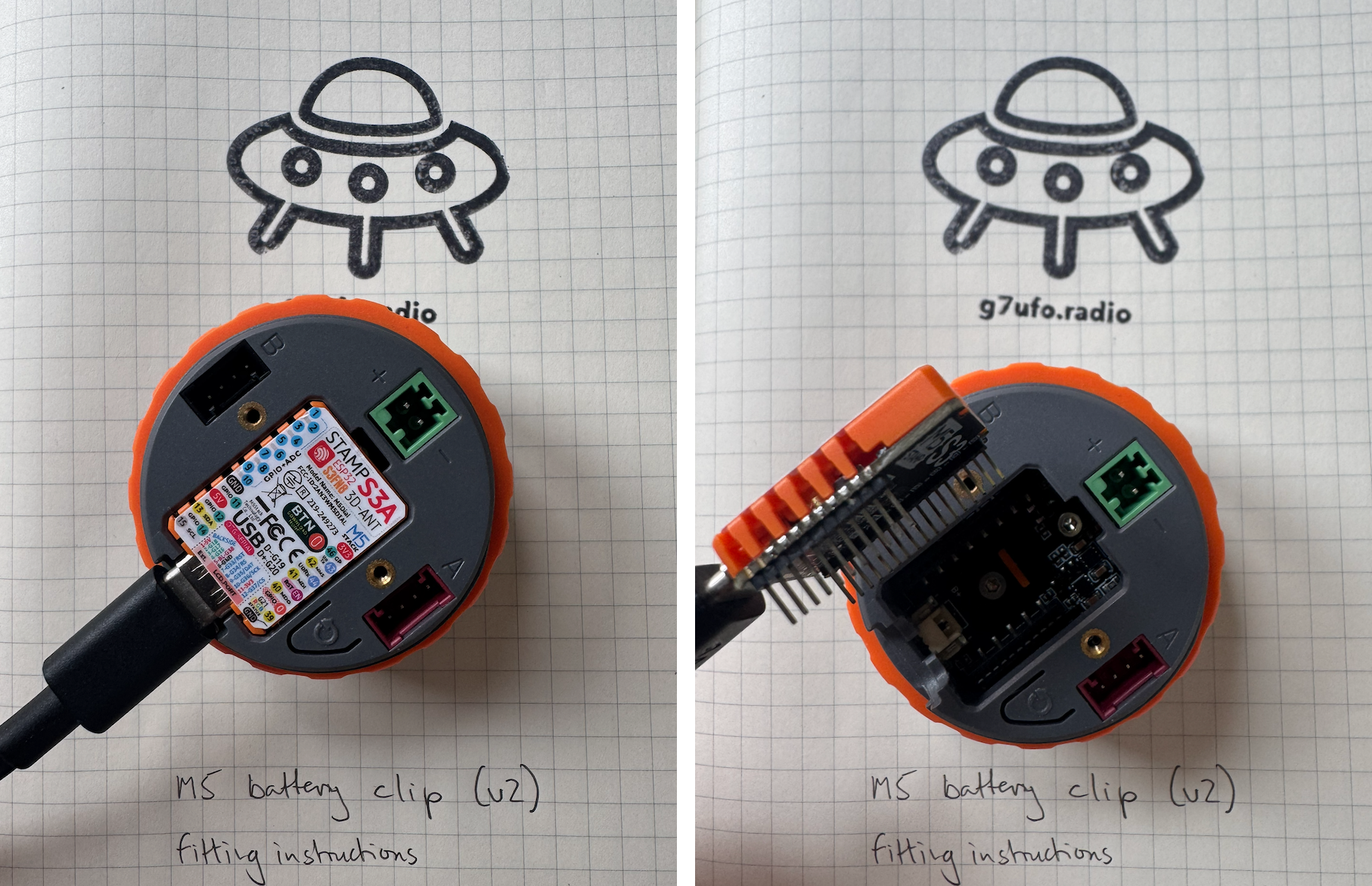
Insert an unpowered USB-C connector into the STAMP S3A board and carefully remove, ensuring you do not bend any pins.
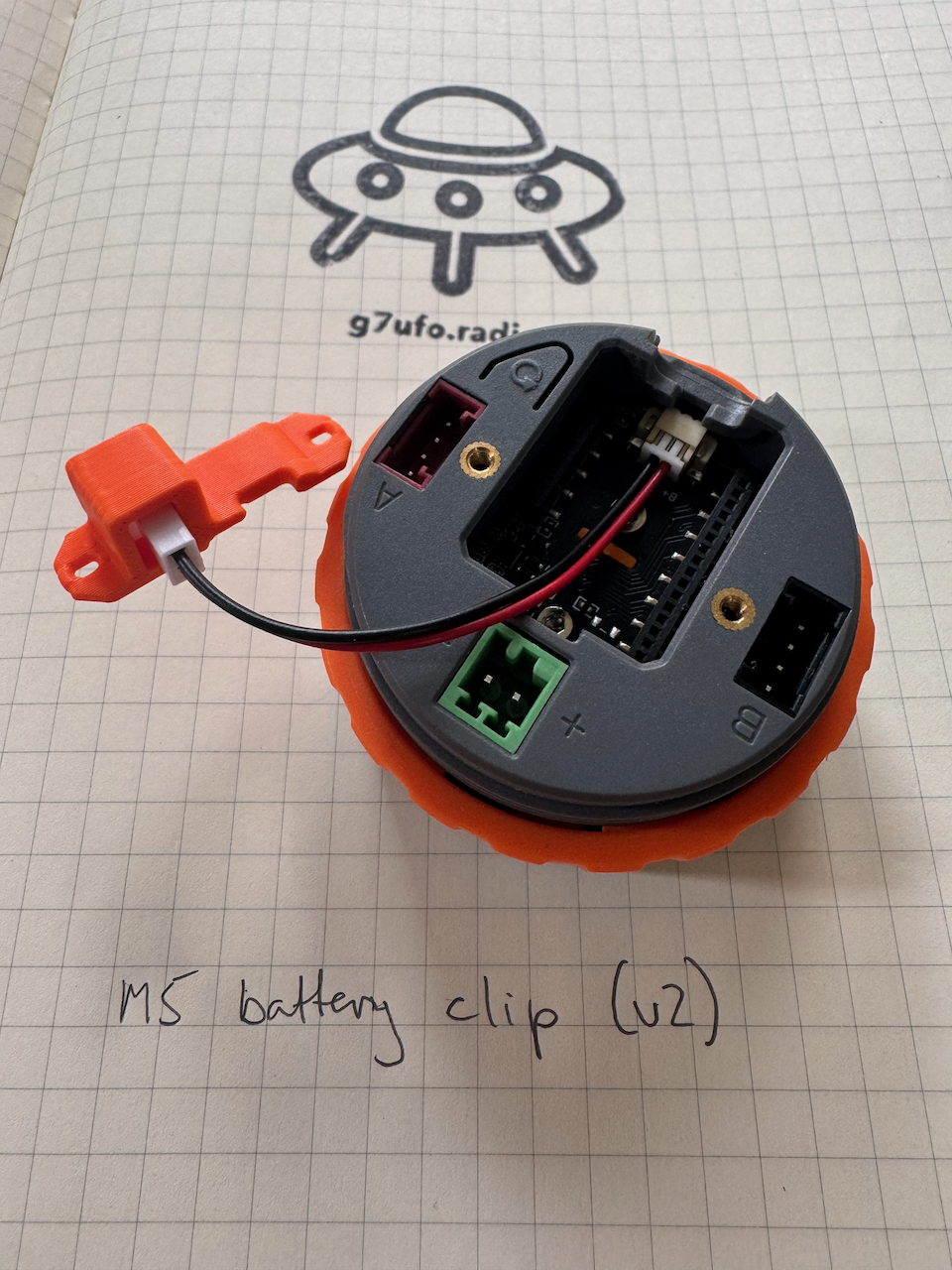
Fit the battery clip into the M5 Dial
Take the battery clip and insert it into the M5 Dial. The polarisation should be correct, red aligned with the B+ marking on the board.
Refit the STAMP S3A board
The cable feeds out of the groove at the top of the STAMP S3A board. Feed the power cables through the adapter and reattach using the original screws from step 1.
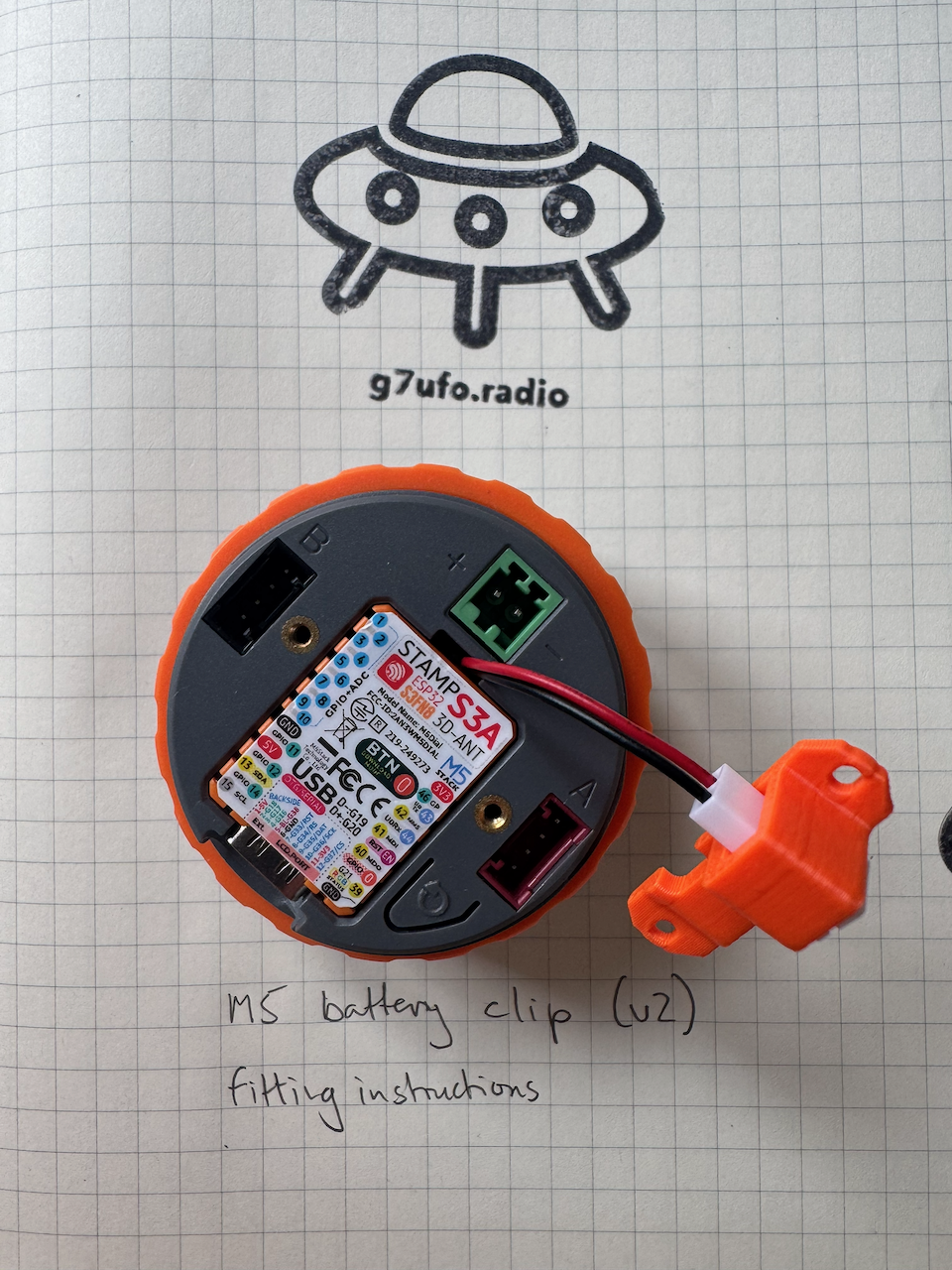
IMPORTANT - DO NOT PLUG IN YOUR BATTERY
We need to confirm the polarity of the battery connector. Nearly all of these I’ve handled in the past have been incorrect.
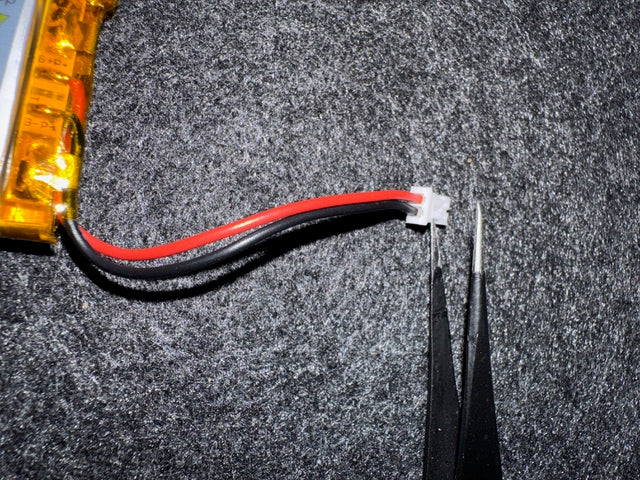
In the picture above you can see that the red cable on the battery clip does not match the polarity on the battery cable. If this is the case for your battery, read on. Otherwise you’re good to plug in.
- Using thin pliers or a small screwdriver, gently pull up the thin plastic retainer on the battery JST plug, this will allow the cables to be removed. Ensure you don’t short the cables - LiPo batteries do not like this!
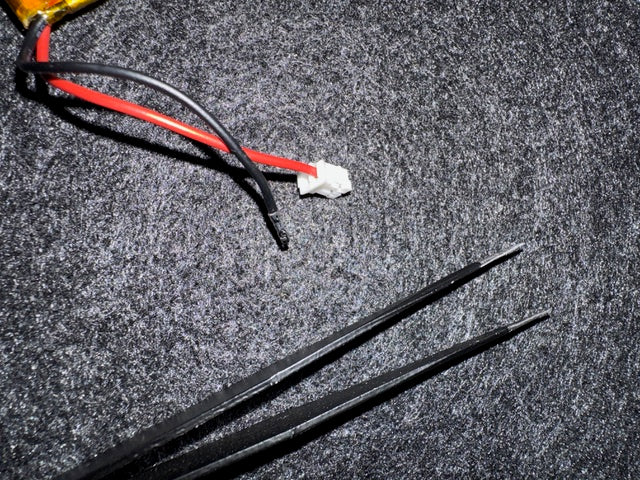
- Reorientate the cables and push back into the JST plug one at a time. Again, don’t short the cables.
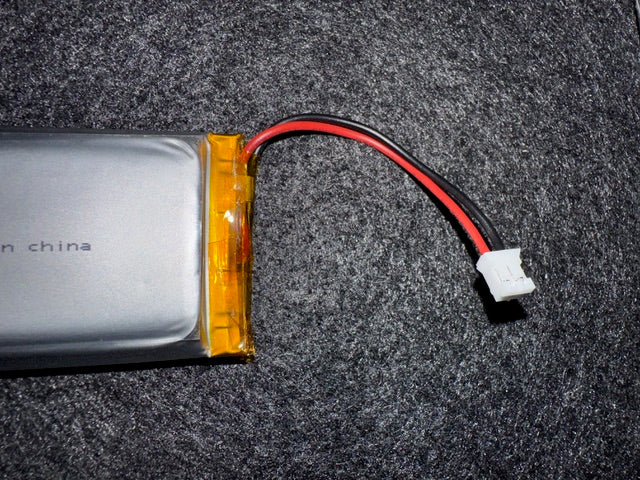
You can now plug in the battery.